 Best of Artisans
Why Does My HVAC Filter Get Dirty So Fast? 7 Things to Check
A filter that looks dirty again soon after replacement can point to heavy dust, airflow conditions or simply a busy heating and cooling season.
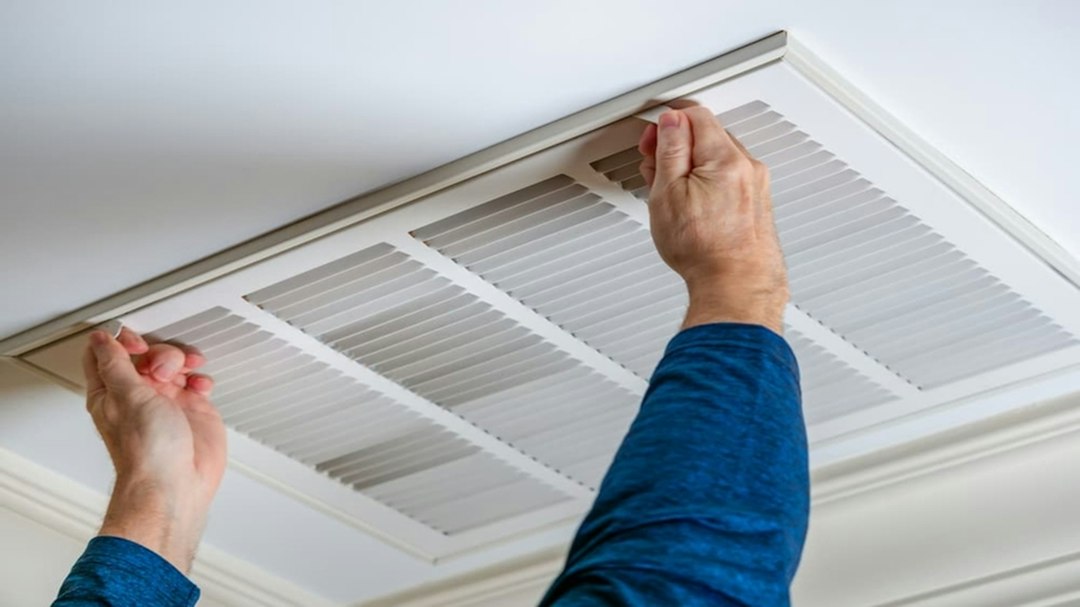
A fast-dirtying HVAC filter does not automatically mean something is wrong with the equipment. Homes with pets, renovation dust, frequent system use, open windows or a high level of airborne particles can load a filter quickly. The useful question is whether the filter is getting dirty at a rate that makes sense for your home—and whether airflow is being restricted.
1. Start With How Often the System Is Running
Filters collect particles only when air is moving through them. During very hot or very cold weather, a system may run for many more hours each day, so the same filter can load faster than it does during mild weather.
2. Check for Pets, Dust and Recent Projects
Pet hair and dander, sanding dust, drywall work, woodworking and even frequent vacuuming can increase what reaches the return air. If you are remodeling, filter checks may need to happen more often until the dust settles.
3. Make Sure the Filter Fits Correctly
A filter that is undersized, bent or poorly seated can allow dust to bypass the media. Confirm the dimensions printed on the frame match the filter rack, and make sure the filter sits flat without large gaps around the edges.
4. Confirm the Airflow Arrow
The arrow on the filter frame should point in the direction the air moves through the system. If you are unsure, see our furnace filter arrow guide.
5. Do Not Assume a Higher MERV Rating Is Always Better
Higher-efficiency filters can capture smaller particles, but they can also create more resistance if the system is not designed for them. The best choice is one compatible with the equipment and the airflow your system needs.
6. Look at Return Grilles and Nearby Dust
Dust buildup around return grilles can be a clue that the return side is pulling in a lot of debris. Keep returns clear of furniture and avoid placing dusty storage directly beside them.
7. Know When Fast Buildup Deserves a Service Call
If a new filter becomes heavily loaded in a very short time, airflow feels weak, the system is noisy, or comfort changes noticeably, a technician can check the blower, return ductwork and other airflow conditions.
Our Practical Take
ENERGY STAR recommends checking central HVAC filters monthly and changing or cleaning them when dirty. Use that monthly check as the baseline, then adjust to your household conditions rather than relying only on a calendar.
Related Reading
Read our furnace filter arrow guide, duct-leak checklist, and more HVAC guides.
Sources
Get Free Daily Home Tips & Updates
Practical maintenance, repair, renovation and buying guidance from Best of Artisans.